Stack System
Our stack system is at the heart of our brand identity. Stacks bringenergy and rhythm to layouts in ways that color and type can’t on their own. This section outlines the types of stacks we use, along with guidance on how to apply them, build them, and how not to use them.
Graphics overview
In our design system we use three distinct types of graphics: functional graphics such as diagrams, container graphics that structure and organize content, and expressive graphics that add personality and visual interest.
2D stacks
Our 2D stack graphics are designed for moments where simplicity and clarity are key.They work especially well for infographics and thematic content focused on specifictopics such as networks or systems. Because of their straightforward nature, they aremost often used in B2B contexts, where communication benefits from a more directand less expressive approach.
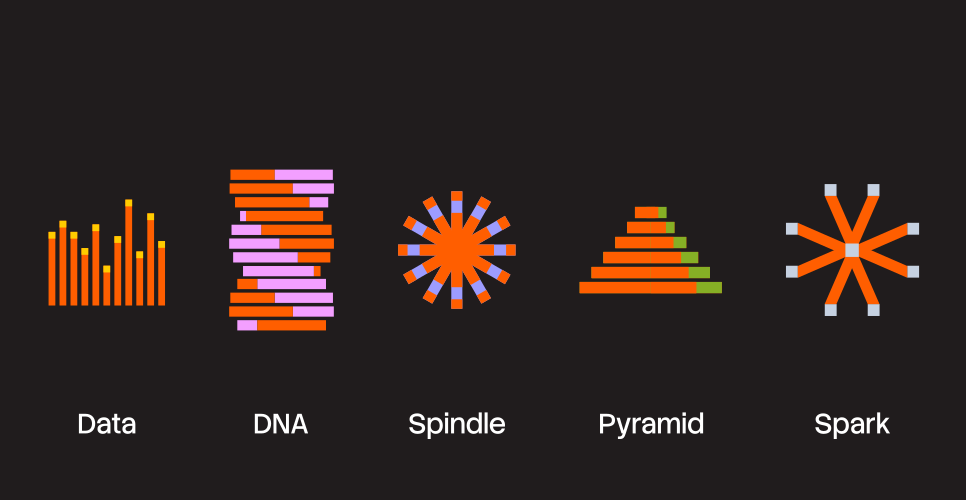
2D stacks in use
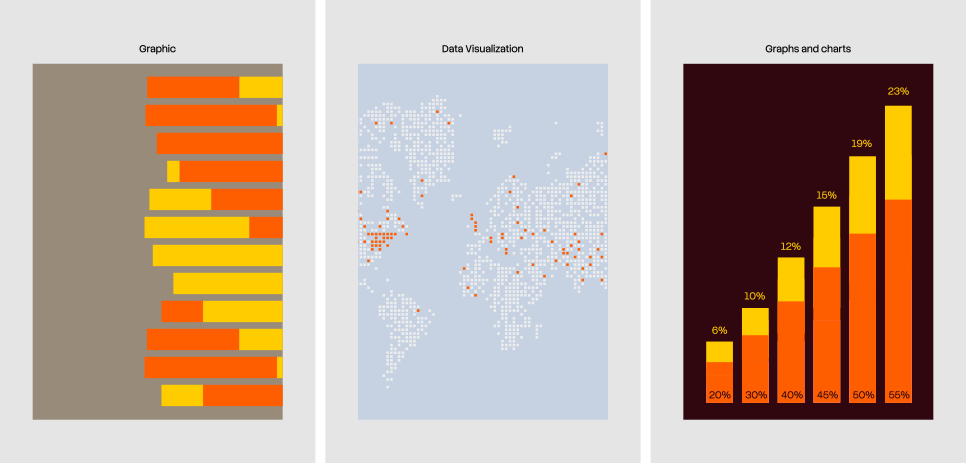
Expressive container graphics
Our expressive container graphics extend the stacking nature of our brand identity into layouts. These compositions are more dynamic and are best suited for applications with minimal, cohesive messaging. They work especially well for cover images in Instagram carousels or for CTAs. Below, we demonstrate the wide range of container styles available for use.
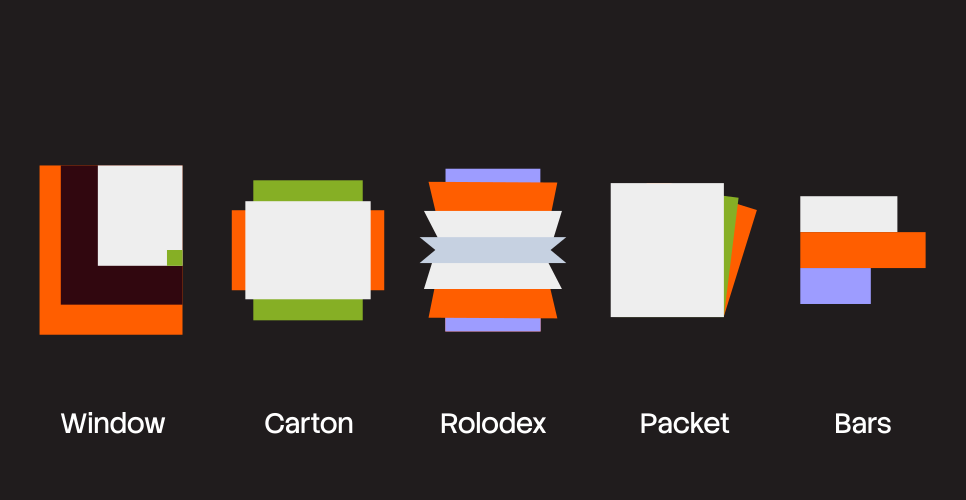
How to Use Expressive Containers
The composition below shows how type, color, and 3D graphics come together within our stacking layouts. Use this as a benchmark when creating new graphics.


In use
The stacking motif not only shapes our marketing materials but also guides the way we design certain product features and micro-interactions.

3D stacks
Our 3D stacks are the most expressive part of our brand, so they’re reserved for the most expressive contexts. They’re best used in high-level brand moments, setting the overall tone rather than addressing specific topics. We deploy these shapes in various ways across the brand, often as large, colorful crops that bring energy and impact to a composition.
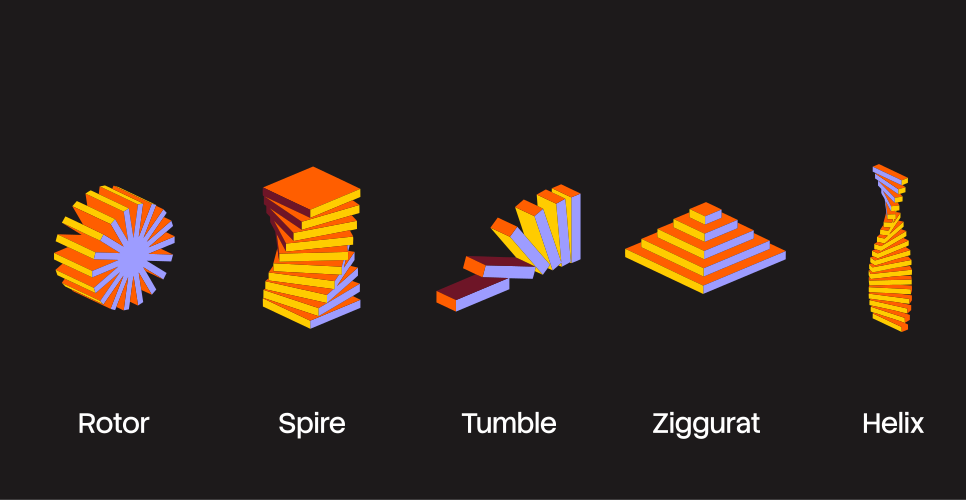
Generating shapes
We have a Figma file of pre-made collages, for creating new simple shapes you can use i3D Figma plugin, and more complicated shapes we have a custom build tool called Stack Trace (access currently to employees only).
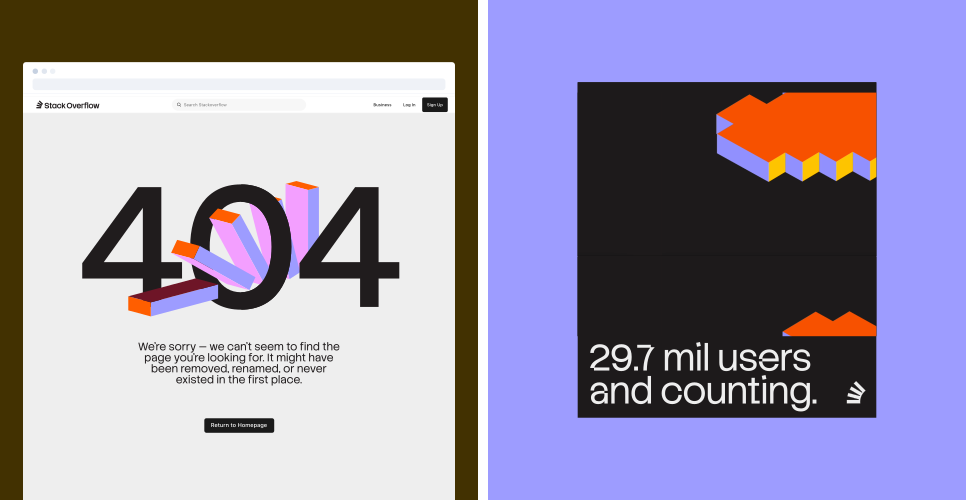
In use
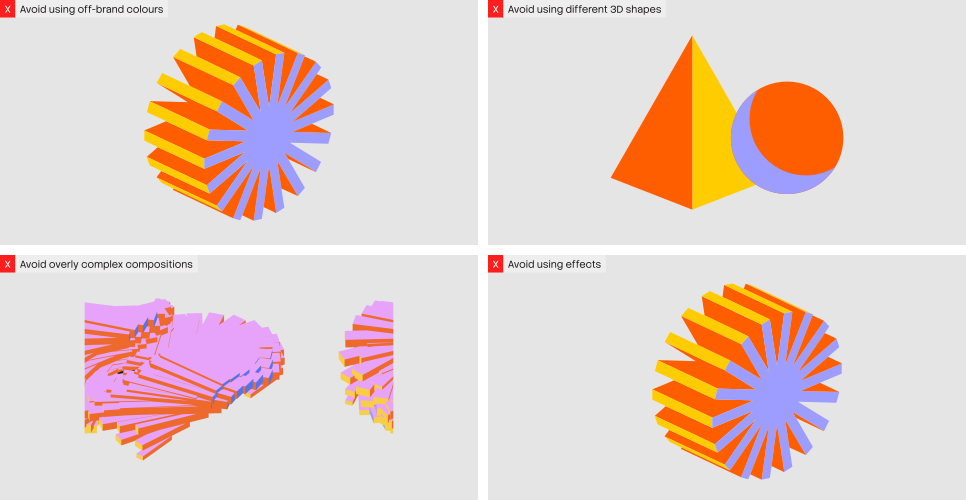
Things to avoid